 MarsDawn
Markdown spec (PRD) template
A spec your agent can fill in and you can read in one sitting: the problem, goals, requirements, a flow diagram and acceptance criteria. When you change a requirement, ask the agent to bring the rest in line.
The template
# Spec: Feature name

Status: draft · Owner: name · Updated: date

## Problem

_What is wrong today, for whom, and how we know._

## Goals

- _What will be true when this ships._

## Non-goals

- _What this deliberately doesn't do._

## Requirements

| ID | Requirement | Priority |
|----|-------------|----------|
| R1 | _Requirement_ | Must |
| R2 | _Requirement_ | Should |

## Flow

```mermaid
flowchart LR
  A[Start] --> B[Step] --> C[Result]
```

## Acceptance criteria

- [ ] R1: _How we check it._
- [ ] R2: _How we check it._

## Open questions

- _Question._
How it looks
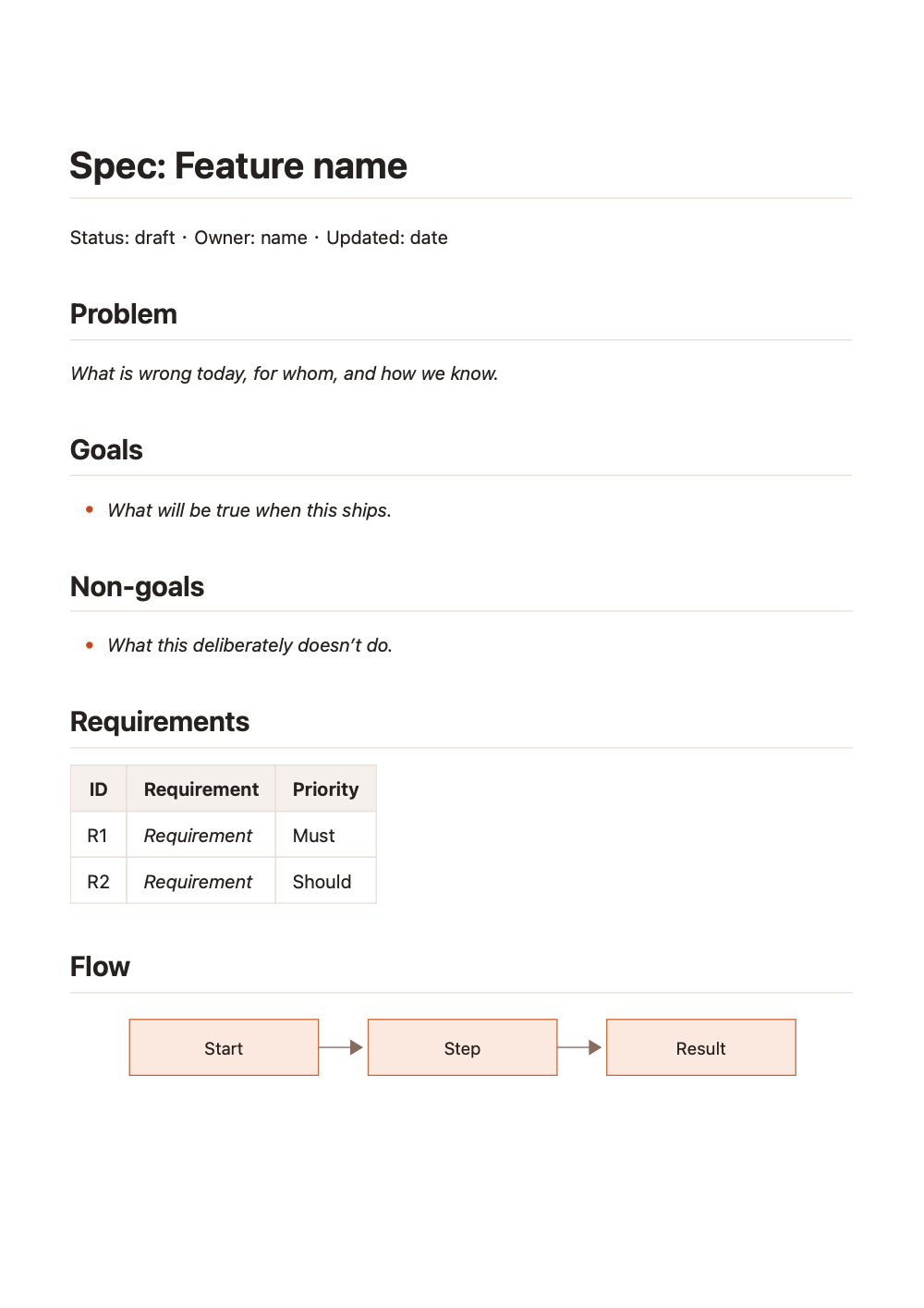
Exported with marsdawn export spec.md. The free command-line tool renders like MarsDawn's preview, diagram included.
Ask your agent
Write a spec for [the feature] in spec.md, using the template at https://marsdawn.southern-light.dev/templates/spec/spec.md. Give every requirement an ID, and use the same IDs in the flow and the acceptance criteria. When it's written, run marsdawn open spec.md.Share it as a PDF
marsdawn export spec.md writes spec.pdf beside it, for someone who doesn't read Markdown.
What it doesn't do
MarsDawn shows the spec, the table and the diagram. It doesn't check that the acceptance criteria cover every requirement. That's the agent's job, and your read.
Questions
Does the flow diagram need anything installed?
No. MarsDawn and marsdawn export draw Mermaid themselves, offline.
Can I edit the spec in MarsDawn?
Yes. It's a Markdown editor with the preview beside the source. The agent sees your edit the next time it reads the file.
More templates
- Flowchart: a Mermaid diagram with the steps written out below it.
- Meeting notes: decisions and action items, each with an owner.
- Markdown templates