 MarsDawn
Markdown flowchart template
A Mermaid flowchart with the steps spelled out underneath, so the diagram and the words can be checked against each other. Take a step out, and ask the agent to fix the rest.
The template
# Flow name

_One sentence: what goes in, what comes out._

## Diagram

```mermaid
flowchart LR
  A[First step] --> B[Second step]
  B --> C[Third step]
  C --> D[Done]
```

## Steps

1. **First step:** _who does it, and what they hand on._
2. **Second step:** _…_
3. **Third step:** _…_
4. **Done:** _what "done" means here._
How it looks
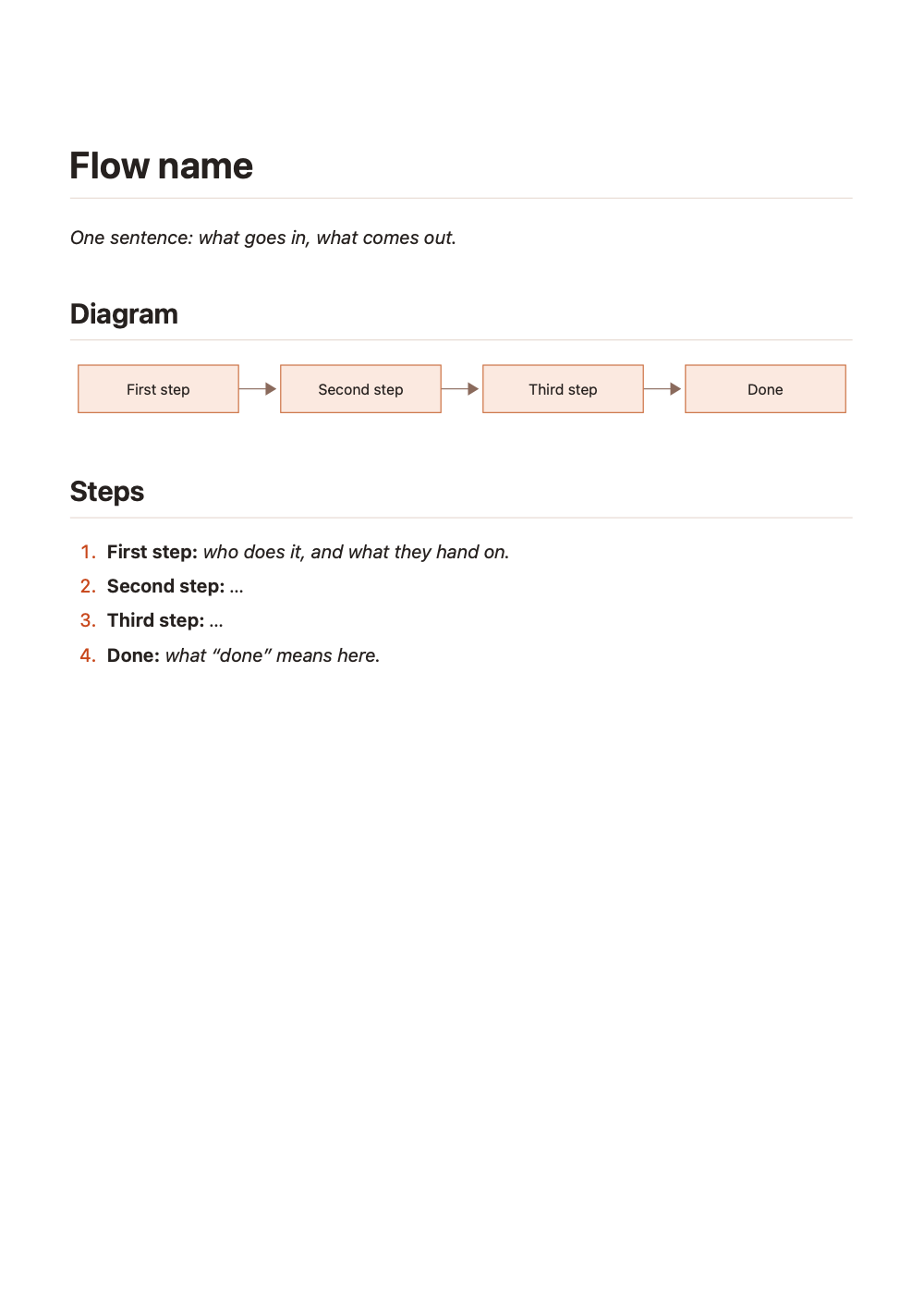
Exported with marsdawn export flowchart.md. The free command-line tool renders like MarsDawn's preview, diagram included.
Ask your agent
Draw the flow for [the process] in flowchart.md, using the template at https://marsdawn.southern-light.dev/templates/flowchart/flowchart.md. Keep one numbered step per node, in the same order. When it's written, run marsdawn open flowchart.md.Share it as a PDF
marsdawn export flowchart.md — the diagram is drawn into the PDF.
What it doesn't do
MarsDawn draws what the Mermaid says. It doesn't lay the diagram out by hand, and it doesn't keep the numbered steps in sync with the nodes. If the Mermaid has an error, the preview shows the error instead of a diagram.
Questions
Which diagrams work?
Anything Mermaid draws: flowcharts, sequence diagrams, state diagrams and more.
Why write the steps out as well?
A reader who skims sees the diagram; a reader who checks needs the words. The agent can keep both in step.
More templates
- Spec (PRD): problem, goals, requirements, a flow diagram and acceptance criteria.
- Meeting notes: decisions and action items, each with an owner.
- Markdown templates